Skip to content

How your online store can look

You start from one of 3 templates. Each changes how the store is laid out, not just its colours: how tall the homepage banner is, how many products sit side by side on a phone, how categories appear and which typeface the store uses.

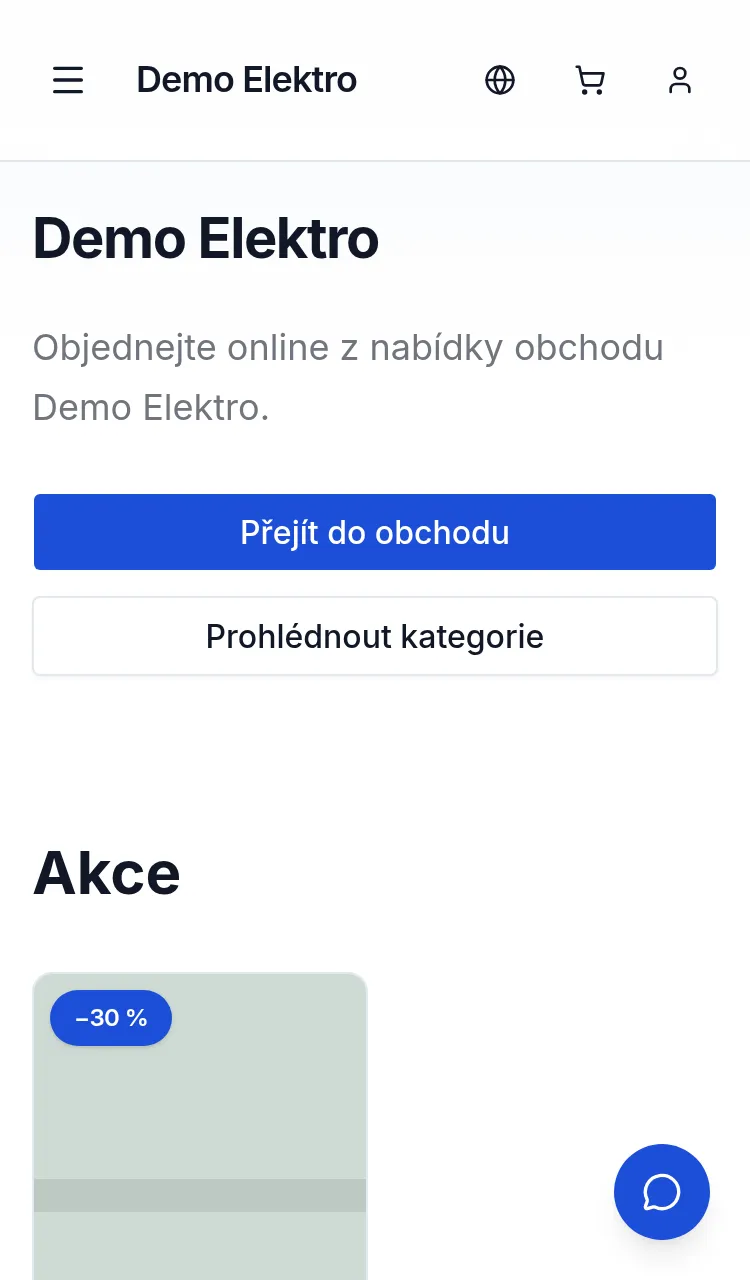
Homepage of the sample store with the Catalogue template on a phone
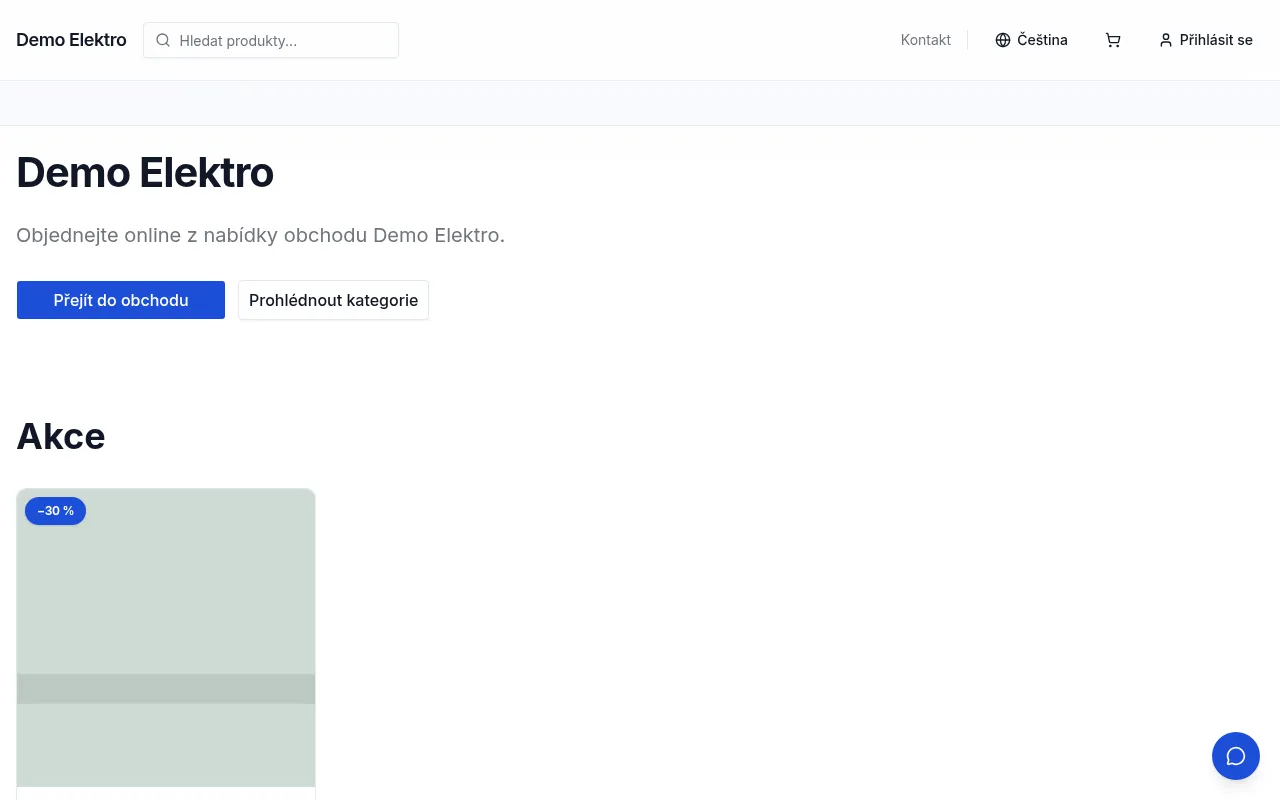
Homepage of the sample store with the Catalogue template on a computer

Catalogue

For a large range: a low banner with products straight away, categories in a row, two products side by side on a phone.

Homepage banner
Low banner without a photo, products right below
On a phone
Two products side by side
Homepage categories
A row of links
Product card
Square photo in a frame
Header
Logo on the left, search on a computer
Product page
Photos and details side by side
Typeface
Inter
Create your online store for free
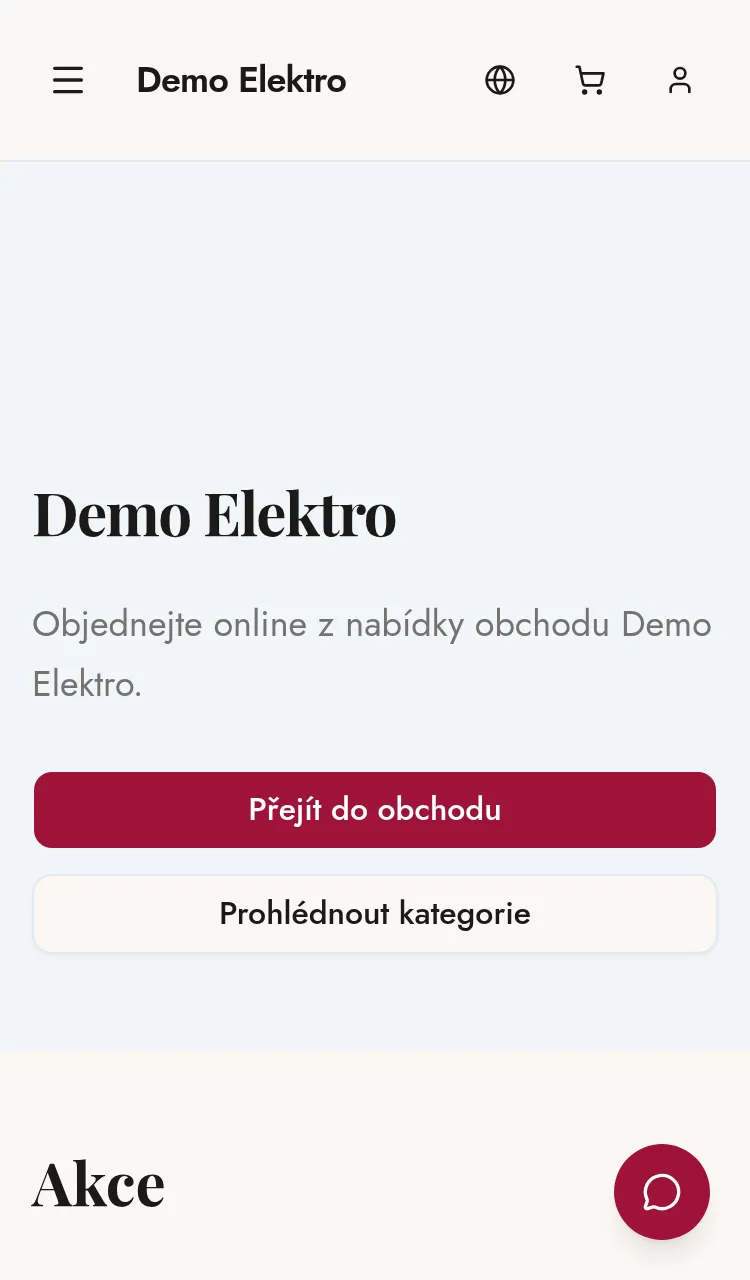
Homepage of the sample store with the Shop window template on a phone
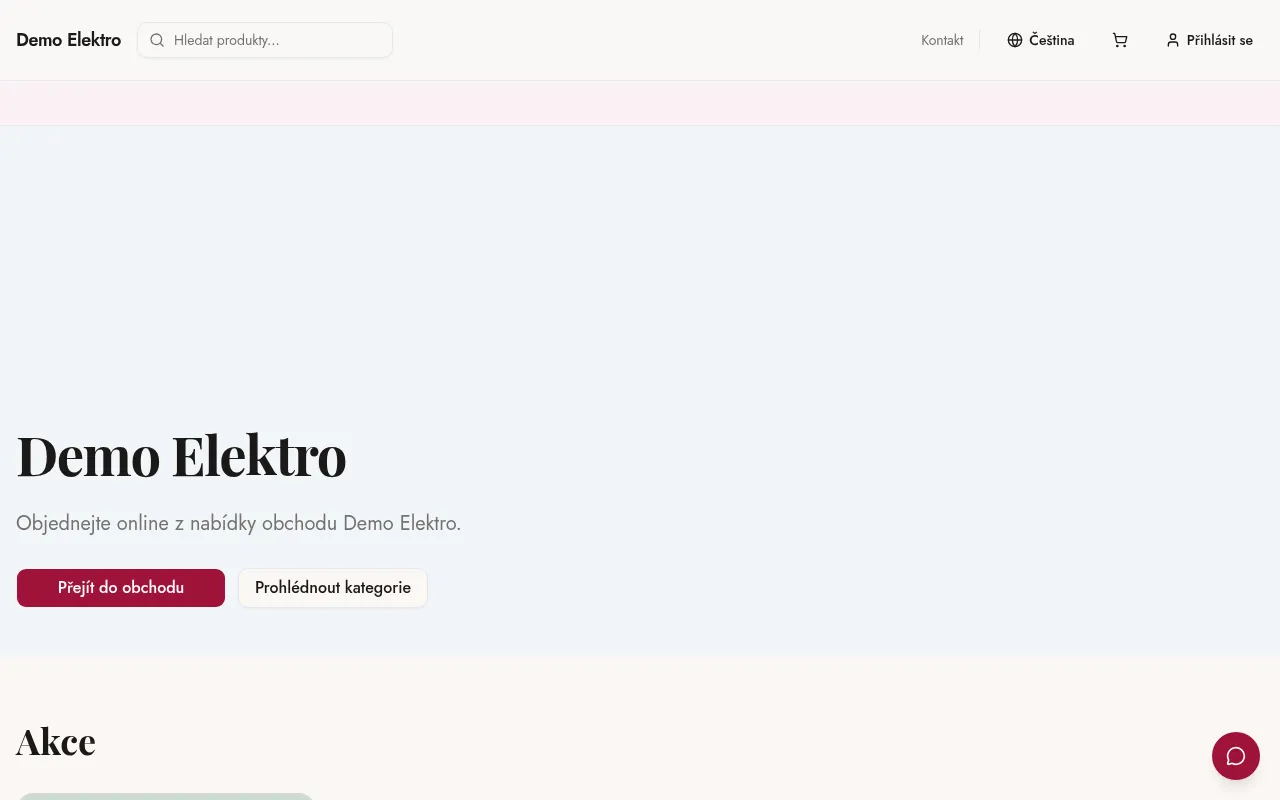
Homepage of the sample store with the Shop window template on a computer

Shop window

For fashion, gifts and flowers that sell on looks: a full-width photo, large category tiles and airy product cards.

Homepage banner
Full-width photo
On a phone
Two products side by side
Homepage categories
Large tiles with photos
Product card
Tall photo, no frame
Header
Logo on the left, search on a computer
Product page
Photos and details side by side
Typeface
Playfair Display for headings, Jost for text
Create your online store for free
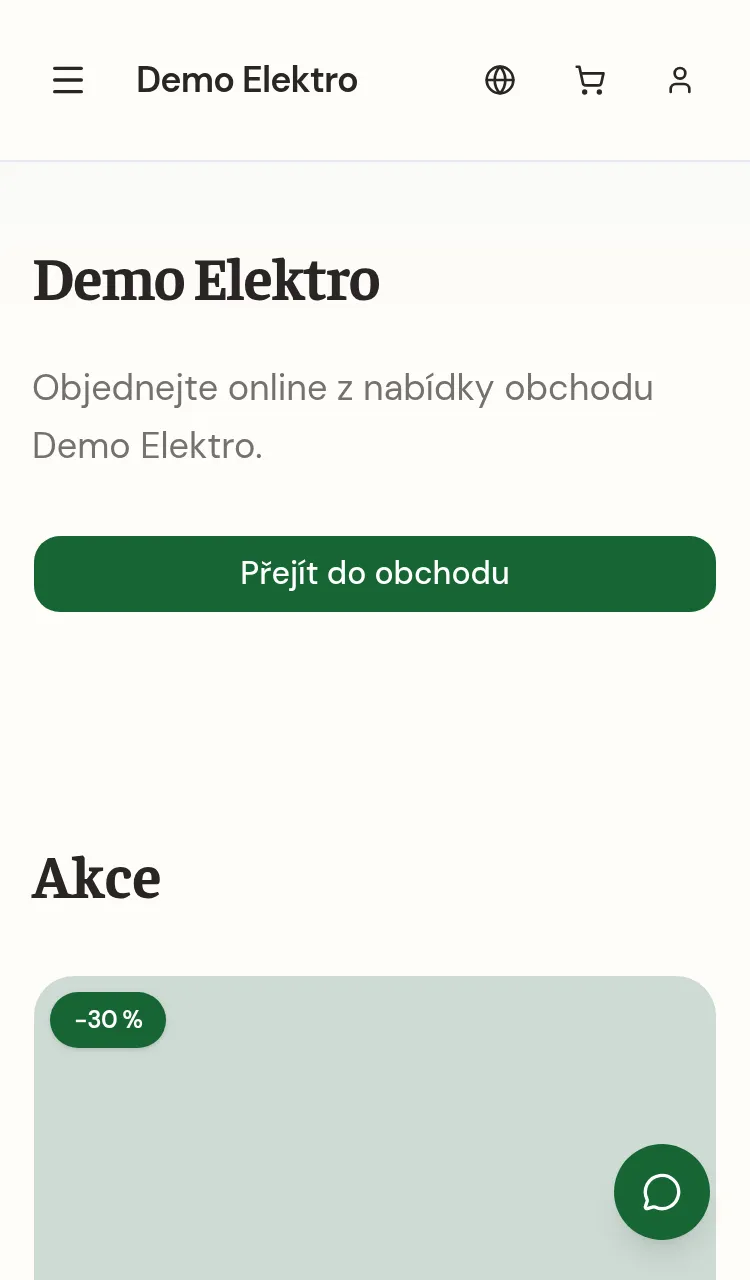
Homepage of the sample store with the Counter template on a phone
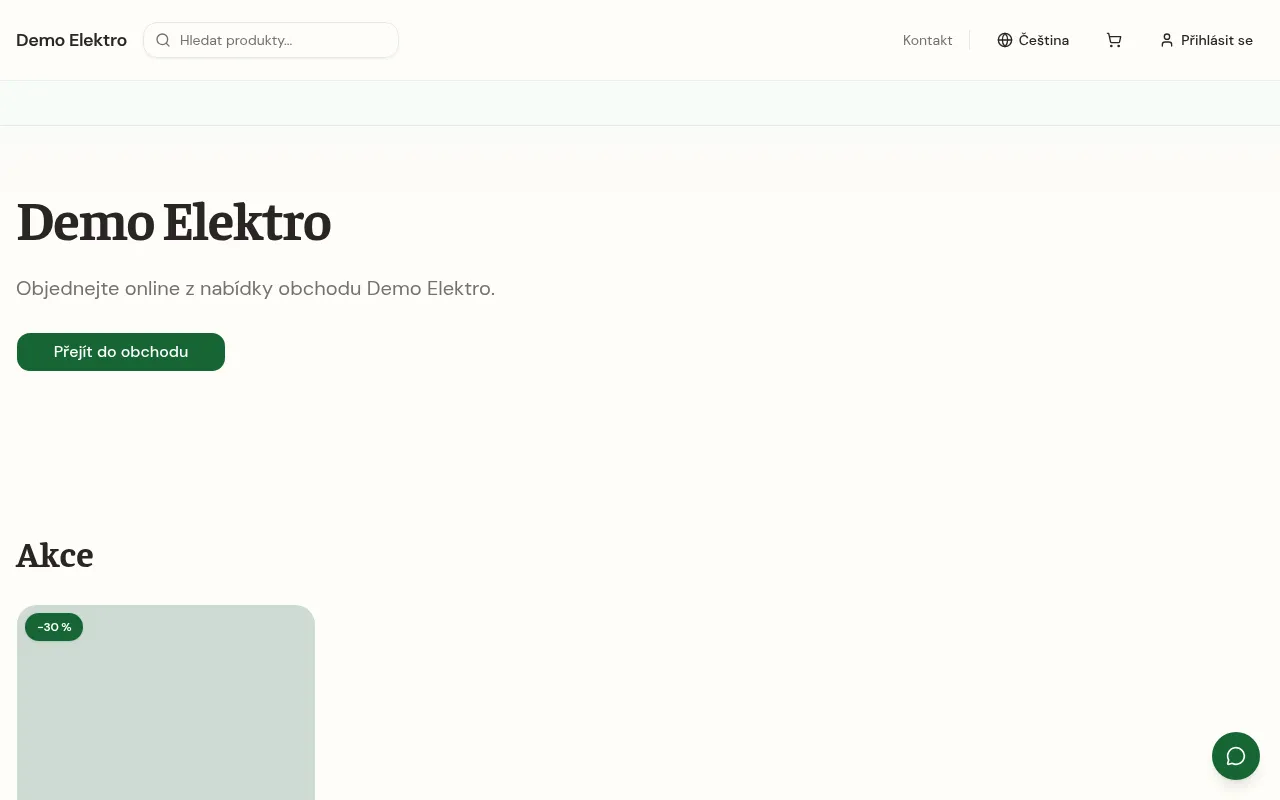
Homepage of the sample store with the Counter template on a computer

Counter

For a handful of products: products right under the banner, no categories, large cards and a warm typeface.

Homepage banner
Classic banner with a heading
On a phone
One product across the full width
Homepage categories
No categories, products right under the banner
Product card
Tall photo, no frame
Header
Logo on the left, search on a computer
Product page
Photos and details side by side
Typeface
Faustina for headings, DM Sans for text
Create your online store for free

The previews are screenshots of a sample store using the template, not drawings. Your store will show your own photos, texts and products.

You can change the template at any time

You choose a template when you create your store. Later you can switch it under Look and feel and bring back the previous look if you prefer it. A template does not touch your content: your texts, photos and products stay. The header, product page and typeface can also be set separately there.

Create your online store for free

Your store can be online in a few minutes

Setting up takes a few minutes and you do not need a card. When you are ready, you connect your domain and move to a paid plan.

No card needed. The Free plan has no time limit.